Before you download
Questions,
answered.
What people ask most about making 3D mockups on an iPhone.
How do I make a t-shirt mockup on iPhone?
Open the app, pick a blank such as a streetwear tee, hoodie or fit tee, then add your artwork straight from Photos or type a slogan. Set the garment color, drag your design into place on the front, back or sleeve, and spin the model to check it from every angle. When you like it, record the rotation or export a still. The whole thing takes a few minutes and happens entirely on your phone.
Can I export mockup videos for TikTok and Reels?
Yes. Hit record and the app captures a full 360° rotation as a video file you can post to TikTok, Instagram Reels, YouTube Shorts or drop onto a product page. You can also grab screenshots mid-spin if you only need stills for a listing.
Which garments and products can I mock up?
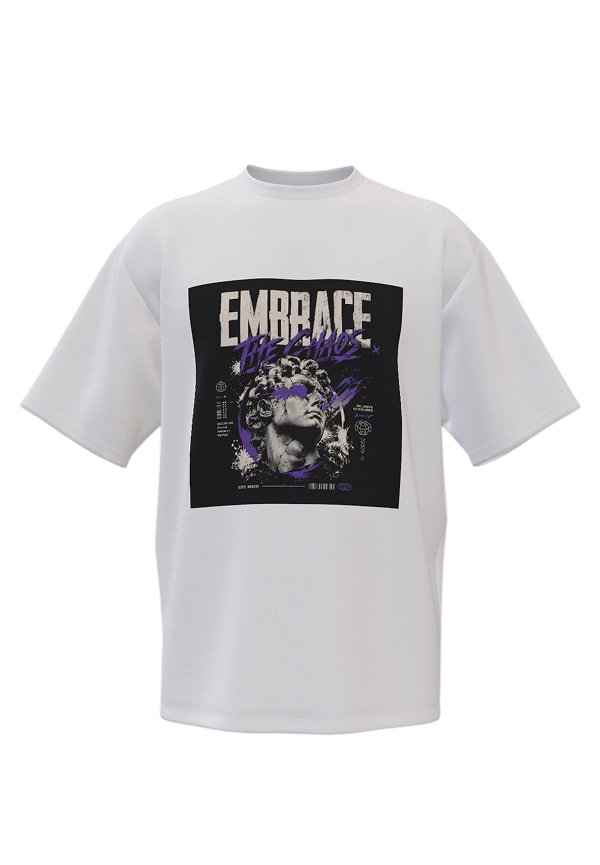
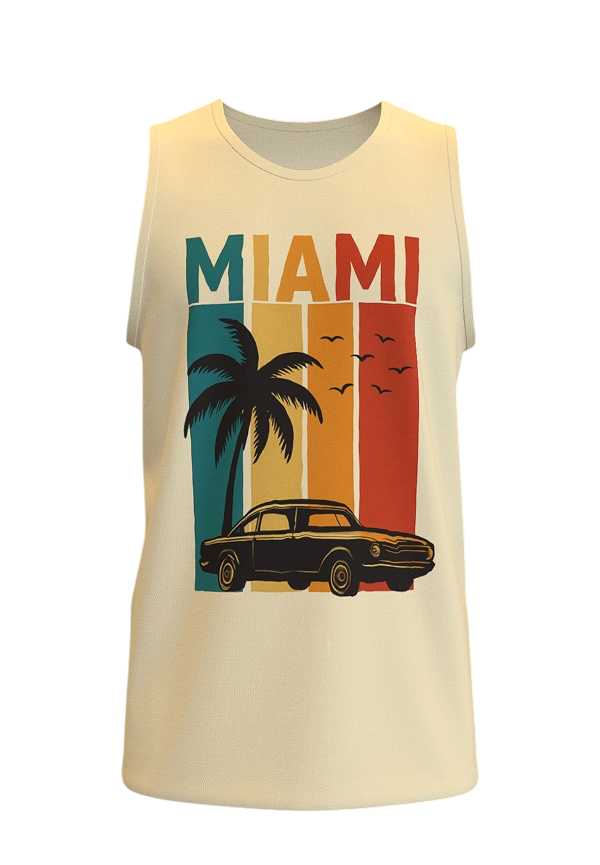
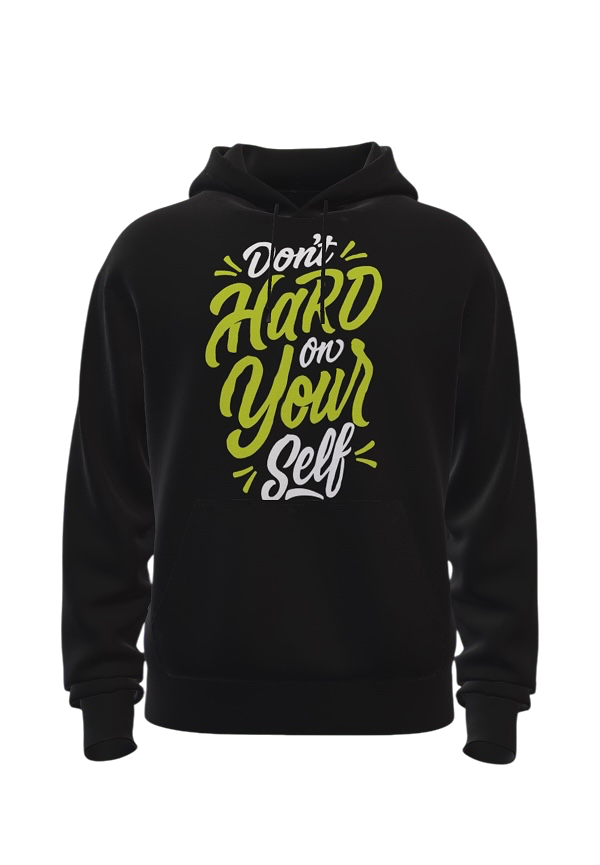
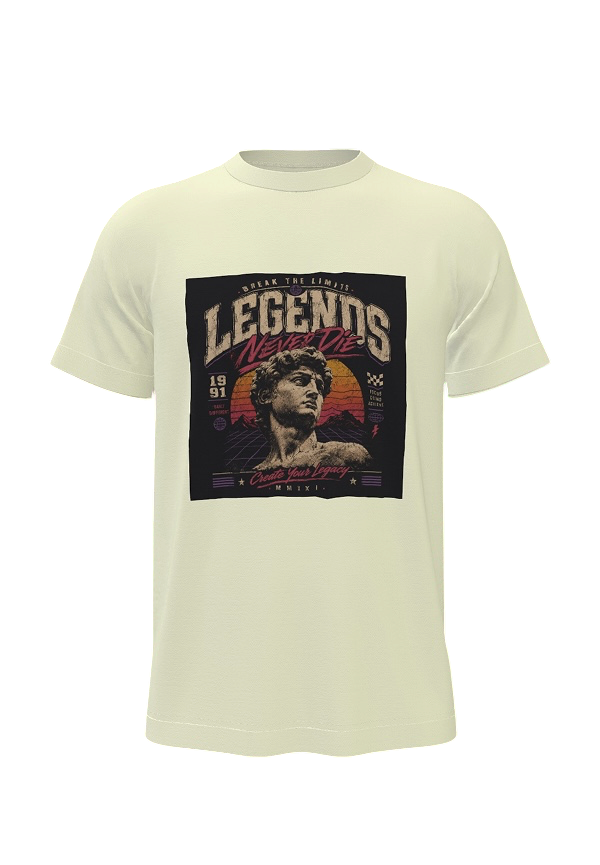
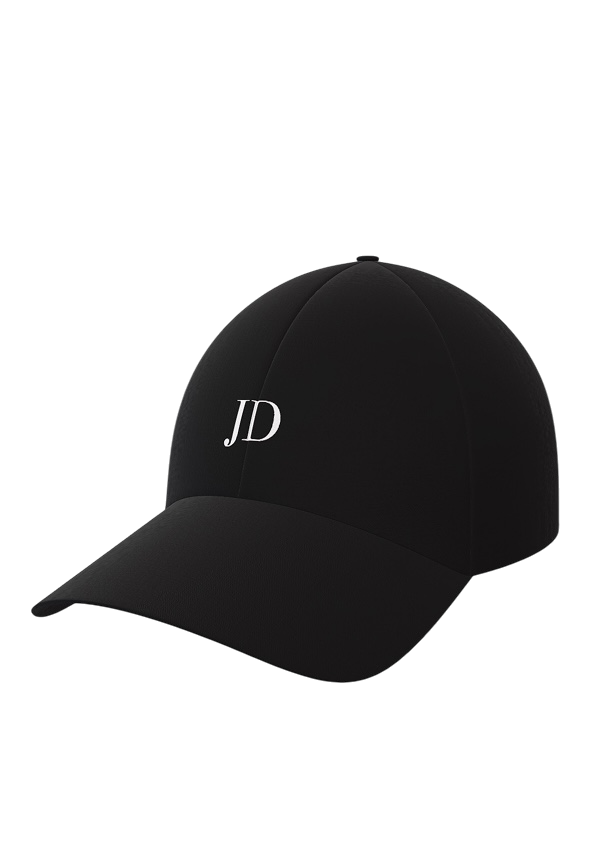
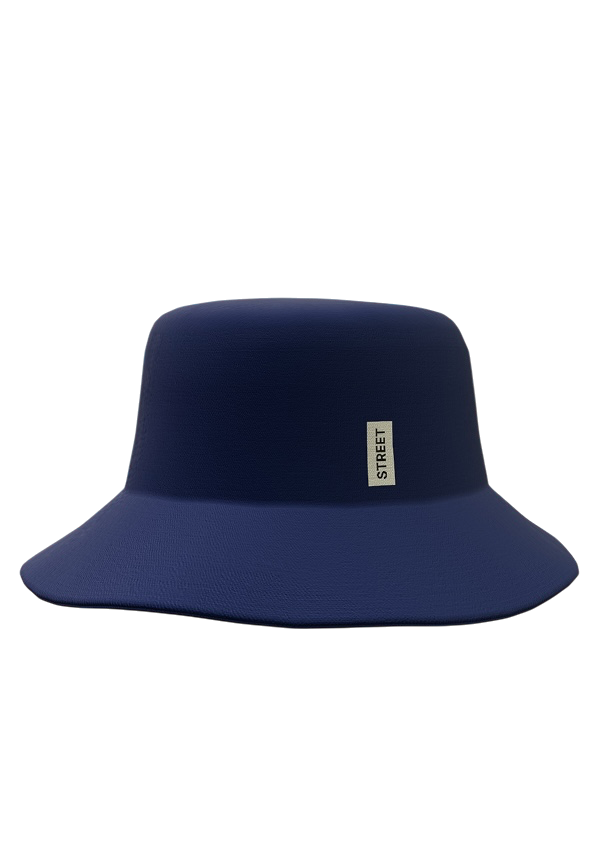
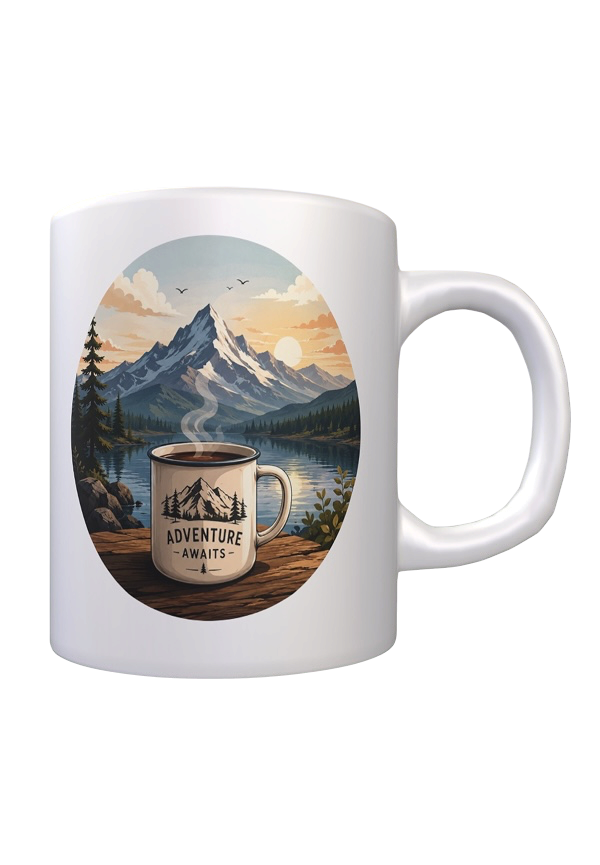
Seven blanks: an oversized streetwear tee, a sleeveless tank, a pullover hoodie, a slim fit tee, a baseball cap, a bucket hat and an 11 oz mug.
Do I need Photoshop or Blender to use it?
No. There is nothing to install on a computer and no 3D software to learn. Everything happens in the app on your iPhone, and the controls work the way any photo editing app does: tap, drag, scale.
Can I put my own logo or photo on the shirt?
Yes. Import any image from your Photos library, including transparent PNG logos, and place it wherever it prints. You can also add text layers, pick a font, and combine text with artwork on the same garment.
Are the mockups good enough to sell with?
Exports are high resolution, so they work for Etsy, Shopify and print-on-demand listings as well as social posts. Many sellers use them to preview a design before ordering a physical sample, which saves a print run on artwork that does not read well on fabric.
Is the app free?
The app is free to download and try, with a Pro upgrade that unlocks the full set of export options. It currently holds a 4.7 rating from 210 ratings on the App Store.